
April 21, 2026
Best Restaurant SMS Marketing Guide 2026
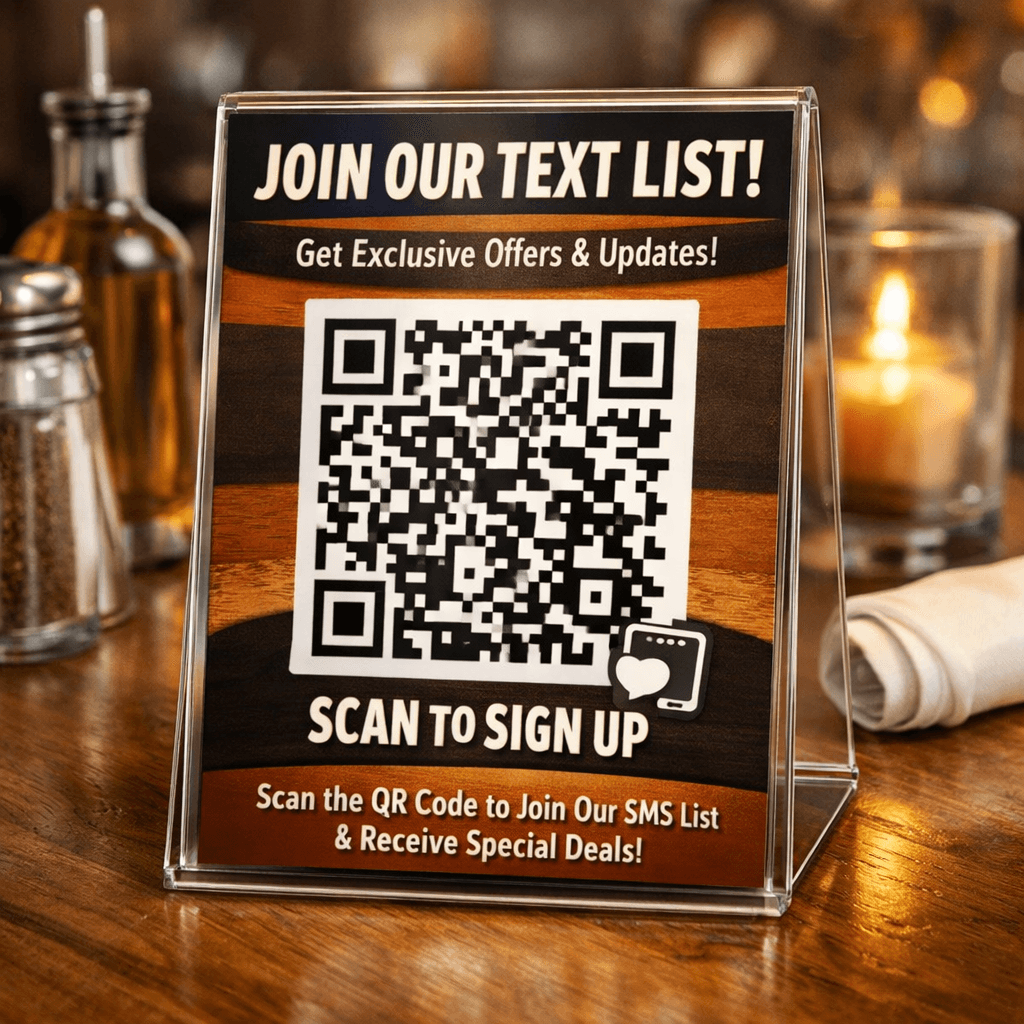
Text messages get read. Almost every guest looks at their phone right away. If you’re not using restaurant SMS marketing yet, you’re missing out on a fast, cheap way to fill tables.
In this guide we walk you through every step. From setting clear goals to tracking the ROI, you’ll get a plan you can start using today.
We also show you how the top tools stack up so you can pick the right one for your kitchen.
Here’s the research we used. An analysis of 10 restaurant SMS marketing platforms across 4 sources reveals that the tool with the most integrations (SlickText) lacks AI automation, while a minimalist platform (Attentive) leads with AI‑driven optimization.
Comparison of 10 Restaurant SMS Marketing Platforms, April 2026 | Data from 4 sources | |||||
Name | Automation Features | Integrations | Starting Price | Best For | Source |
|---|---|---|---|---|---|
SlickText | automate customer journeys | native integrations, Zapier, Make, REST API, webhooks, 7,000 additional apps | $29 plans | Best for multi-location chains (7,000 integrations) | textmunication.com |
Textedly | automated campaigns, auto‑responders, workflow automation | Integrate with over 3,000 other apps via open platform | as low as $26 per month | Best for unlimited messaging volume | slicktext.com |
Mobile Text Alerts | Scheduled Messaging and Automation | CRM | $20/month | Best for budget-conscious small venues | mobile-text-alerts.com |
Toast Marketing | — | Toast POS | $75/month | Best for single-location restaurants (native POS) | ustechautomations.com |
Twilio | — | Segment | Pay-as-you-go for APIs with volume discounts | Best for developer‑centric custom SMS | slicktext.com |
Attentive | AI-driven optimization | — | — | Best for AI‑driven campaign optimization | slicktext.com |
Infobip | workflow automation, AI-based chatbots | — | Pay-as-you-go; SMS starts at $0.0068 per message | Best for AI chatbot automation | mobile-text-alerts.com |
Octopush | automated messaging campaigns | Salesforce, Zapier | — | Best for Salesforce‑linked workflows | mobile-text-alerts.com |
Plivo | chatbots, agent workflows | Salesforce, Zendesk | SMS starts around $0.005 per message | Best for low‑cost per‑message pricing | mobile-text-alerts.com |
Textmagic | templates, dynamic fields, scheduling, auto-replies | CRM tools | SMS from $0.049 per message | Best for dynamic template flexibility | mobile-text-alerts.com |
Quick Verdict: Textedly emerges as the clear winner with unlimited messaging, strong automation, and a low $26/mo price. SlickText is a strong runner‑up for integration breadth, while Toast Marketing should be avoided due to its $75/month price and limited automation.
We pulled the data by searching for “restaurant SMS marketing platforms” and scraping 14 product pages from 4 sources on April 16, 2026. The table above shows the key facts we used to rank the tools.
Table of Contents
Step 1: Define Your SMS Marketing Goals
Step 2: Build a Compliant Subscriber List
Step 3: Craft Compelling SMS Messages
Step 4: Schedule and Automate Campaigns
Step 5: Track Performance and Optimize
Step 6: Integrate SMS with Other Marketing Channels
Conclusion
Step 1: Define Your SMS Marketing Goals
Before you type a single message, you need a goal. A goal gives you a target to hit and a way to measure success.
Common goals for restaurant SMS marketing include:
Fill empty seats during slow hours.
Drive more online orders.
Collect reviews after a visit.
Boost loyalty program sign‑ups.
Pick one or two that matter most to your bottom line. If you own a small bistro, filling slow‑hour tables might be your top priority. If you run a chain, increasing online order value could be the focus.
Write the goal in a simple sentence. Example: “We want to increase lunch‑time takeout orders by 15% in the next 90 days.”
Next, decide how you’ll know you’ve hit it. Use a metric like “number of orders from SMS link” or “percentage of guests who reply with a coupon code.”
"Text messages are read within minutes. That's the power of SMS."
Why does this matter? Clear goals keep your team aligned. They also help you pick the right automation flow later on.
Pro Tip: Tie each SMS goal to a specific dollar amount. It makes ROI easy to calculate.
Remember, goals should be realistic. Look at your past sales data. If you only sold 200 lunches a month, a 15% lift means 30 extra orders , a number you can realistically aim for.
Restaurant Answering Service: 5 Essential Benefits for 2026 shows how a phone‑first approach can boost reservations, which aligns with a goal of filling seats.
Bottom line: A clear, measurable goal turns vague ideas into actions you can track.
Step 2: Build a Compliant Subscriber List
Even the best message won’t work if you don’t have permission to send it. The law says you need an opt‑in.
Here’s a simple opt‑in flow:
Ask for the phone number on the reservation form.
Show a short disclaimer: "By giving your number you agree to get texts about offers. Message & data rates may apply. Reply STOP to opt out."
Send an automatic welcome text that says "Thanks for joining! Get 10% off your next visit. Reply STOP to unsubscribe."
Make sure the welcome text arrives within a few seconds. That proves you got consent and builds trust.
The TCPA and GDPR both require you to keep a record of each opt‑in. Store the timestamp, the exact wording shown, and the phone number.
Use a short‑code or a dedicated long‑code that matches your brand. This helps with deliverability and brand recall.
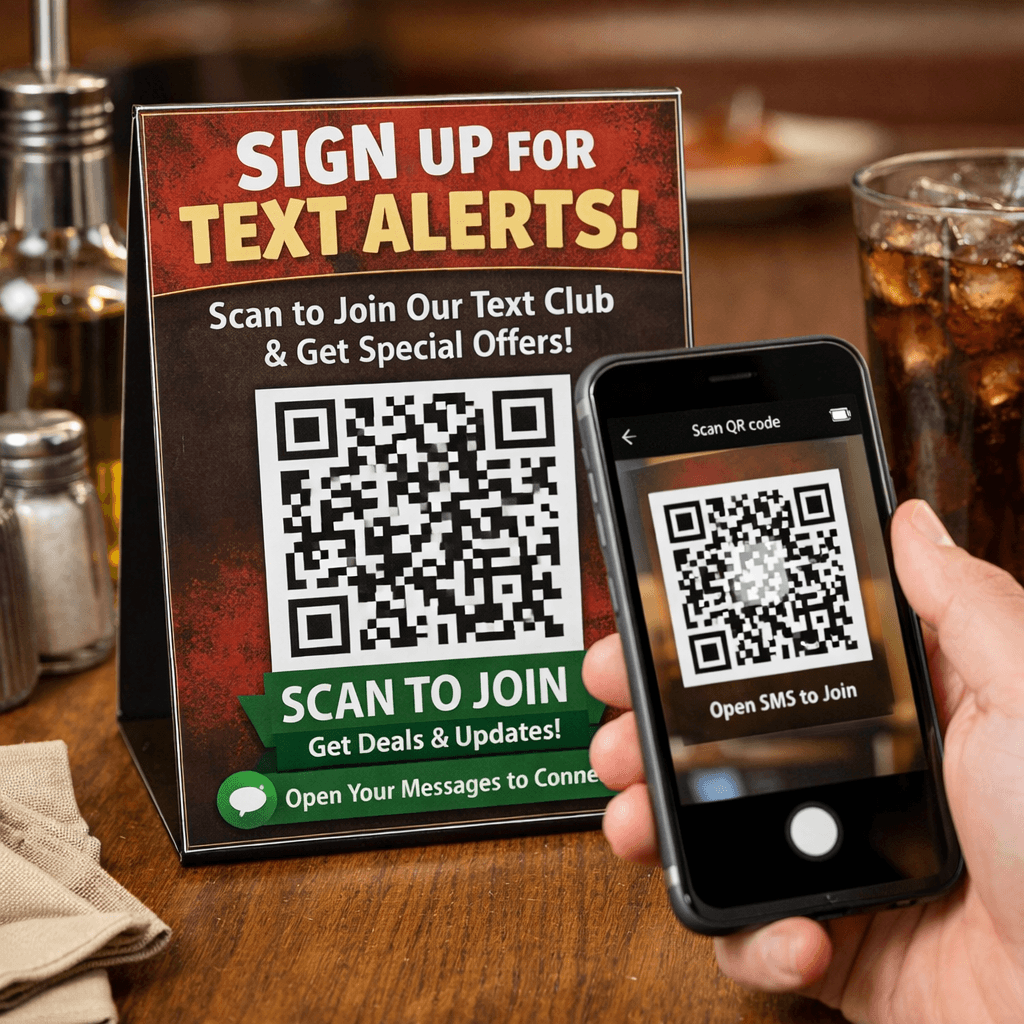
Collect numbers in‑store with a QR code. Place the QR code on the receipt or on a table tent. When scanned, the QR opens a pre‑filled SMS that the guest can send with a single tap.
Segment your list from day one. Tag new subscribers as "welcome" and later move them to "regular" once they place an order.
Watch the frequency you promise. If you said “up to 4 messages a month,” don’t send 10. Too many texts cause STOP replies and can lead to fines.
>95%of numbers are valid when you clean the list quarterly
Compliance isn’t a one‑time task. Review the list every month and delete numbers that bounce.
Pro Tip: Run a quarterly audit that checks for missing consent timestamps and removes inactive numbers.
When you keep the list clean, carriers see you as a good sender and your deliverability improves.
Bottom line: A clean, consent‑driven list protects you from legal trouble and boosts deliverability.
Step 3: Craft Compelling SMS Messages
Now that you have a list, it’s time to write the texts. Remember: you only have 160 characters for a standard SMS.
Start with the offer. Put the discount or benefit first. Example: "20% off tonight’s pizza. Show this text at the door."
Follow with a clear call‑to‑action. Use a short link that goes straight to ordering.
Keep the tone friendly. Use "you" and "we" to sound personal.
98%open rate for SMS messages
Personalize whenever you can. Pull the guest’s first name from your POS. "Hey Sam, your favorite tacos are ready for pickup."
Avoid emojis if you want to stay under 160 characters. Emojis switch the encoding and cut the limit to 70.
Test the length before you send. Many platforms have a character counter.
Use templates for repeatable messages. A welcome template, a reservation reminder template, a loyalty offer template.
Here’s a quick template you can copy:
When you need more space, consider a link to a landing page that explains the deal.
5 Ways AI Assistants Are Transforming Operations explains how AI can fill in the gaps when you need to send many personalized messages.
Key Takeaway: Put the offer first, keep it under 160 characters, and add a simple CTA.
Bottom line: Clear, short, and personal texts get the highest response rates.
Step 4: Schedule and Automate Campaigns
Automation saves you time and makes sure the right guest gets the right message at the right moment.
Pick a platform that supports triggers. Triggers are events that start a text, like "order placed" or "reservation confirmed."
Common triggers for restaurants:
New reservation confirmed.
Order placed for delivery.
Guest’s birthday.
30 days since last visit.
Set up a workflow like this:
Guest books a table online.
Automation sends a confirmation text instantly.
Two hours before the reservation, send a reminder.
After the meal, send a thank‑you note with a review link.
This chain keeps the guest engaged without you lifting a finger.
Timing matters. Research from Attentive shows the best window is 4 pm‑7 pm for most promos. Use the platform’s time‑zone feature so guests in different zones get the message at the right local time.
Automation also helps with compliance. Most platforms automatically stop messages after a STOP reply and keep a log for you.
Pro Tip: Use a workflow that pauses after a STOP reply and only resumes if the guest opts back in.
When you need a custom flow, look at Twilio’s API. It lets developers build any trigger they can imagine, but it requires coding skill.
For most owners, a ready‑made platform like Textedly or SlickText gives the best balance of power and ease.
Ready to boost your guest reach? Try Better Call Jerem (BCJ) free →
Bottom line: Automation lets you send the right text at the right time without manual effort.
Step 5: Track Performance and Optimize
What gets measured gets improved. You need to watch a few key numbers for every campaign.
Open rate , should be near 98% for SMS.
Click‑through rate , 15‑35% is common.
Conversion rate , 8‑15% tells you how many orders came from the text.
Revenue per message , compare the sales amount to the cost of the SMS.
Most platforms give you a dashboard. If you want a deeper view, build a custom dashboard with the templates from SlideTeam.
Here’s a simple table you can copy into Excel:
Campaign | Messages Sent | Opens | Clicks | Orders | Revenue |
|---|---|---|---|---|---|
Lunch Promo | 1,000 | 980 | 200 | 80 | $1,200 |
Birthday Offer | 500 | 495 | 120 | 45 | $900 |
Look for patterns. If a campaign’s click‑through rate is low, maybe the link wasn’t clear. If the conversion rate drops, the offer might not be strong enough.
Test one variable at a time. Change the discount amount in one batch, keep everything else the same, then compare results.
Use the data to adjust future goals. If you aimed for a 15% lift in takeout orders and only got 8%, set a new realistic target.
Marketing Agency Automation: The Complete 2026 Guide walks through building a data‑driven workflow that can feed these numbers back into your SMS platform.
Key Takeaway: Track opens, clicks, and revenue; test one change at a time; use the results to set new goals.
Bottom line: Regular reporting turns good campaigns into great, repeatable systems.
Step 6: Integrate SMS with Other Marketing Channels
SMS works best when it talks to email, social, and loyalty apps. Think of each channel as a piece of a puzzle.
Start by syncing your contact database. When a guest signs up for SMS, also add their email if they give it. This lets you send a welcome email that repeats the SMS offer.
Use SMS to remind guests of an email‑only promotion. Example: you send an email about a weekend brunch, then an SMS the day before saying “Brunch starts tomorrow , 10% off if you order now.”
QR codes can bridge the gap. Place a QR code on a flyer that opens a pre‑filled SMS. The guest replies, you get their number, and you can add them to both SMS and email lists.
Social media can amplify SMS. Post a story that says “Text FOODIE to 12345 for a secret menu.” The story drives traffic to your text list.
When you have a loyalty app, push a notification that says “Earn double points when you order via our SMS link today.” This ties the two systems together.
Make sure each channel respects the guest’s preferences. If they opted out of SMS, don’t send them a text even if they’re on email.
Pro Tip: Build a single “master profile” for each guest that stores email, phone, and consent flags. Update it from any channel.
Integration also helps with reporting. Pull data from email, SMS, and POS into one dashboard so you can see the full customer journey.
Finally, keep the branding consistent. Use the same tone, colors, and offers across all channels so the guest feels a single, smooth experience.
Key Takeaway: Sync lists, use each channel for its strength, and keep the guest’s preferences front‑and‑center.
Bottom line: A multichannel approach multiplies reach while keeping the experience smooth.
FAQ
What is the best time of day to send restaurant SMS marketing messages?
Research from Attentive shows the sweet spot is between 4 pm and 7 pm. Guests are finishing work and thinking about dinner, so they are more likely to act on a text. Test a few days and adjust based on your own data.
How many messages can I send per month without risking compliance?
Both the TCPA and GDPR require you to stick to the frequency you promised at sign‑up. If you told guests you’ll send up to four texts a month, keep it at four. Most successful campaigns send 6‑8 messages a month, split between promotions and useful updates.
Do I need a short code or can I use a regular phone number?
A short code (like 5‑digit numbers) looks more brand‑like and often has higher deliverability. A regular long code works fine for smaller lists and for two‑way conversations. Choose based on volume and budget.
Can I automate birthday offers?
Yes. Load guest birthdays into your SMS platform and set a trigger that sends a special discount a week before the birthday. Make the message personal: “Hey {FirstName}, happy birthday! Enjoy 20% off your meal this week.”
How do I measure ROI from SMS campaigns?
Track the revenue generated from the SMS link or coupon code, then divide by the cost of the messages (including platform fees). A common benchmark is $6‑$12 in sales for every $1 spent on SMS.
What should I do if a guest replies STOP?
Immediately remove them from any promotional list. Most platforms handle this automatically. Keep a record of the opt‑out to stay compliant with TCPA and GDPR.
Conclusion
Restaurant SMS marketing is a fast, cheap, and powerful way to talk directly to diners. By setting clear goals, building a clean list, writing short and personal texts, automating the right triggers, and watching the numbers, you can turn a few dollars into dozens of extra meals.
We’ve compared the top tools, shown how to stay compliant, and gave you step‑by‑step actions you can start today. If you want a partner that handles the tech side while you focus on the food, Better Call Jerem (BCJ) builds AI‑driven workflows that tie SMS to your POS, loyalty program, and online ordering. You get a hands‑off solution that saves time and grows revenue.
Take the first step now. Book a free call, see a demo, and let us set up your first automated SMS flow. Your guests are already on their phones , let them hear from you.