
April 21, 2026
Best Automated Email Follow Up Guide for 2026
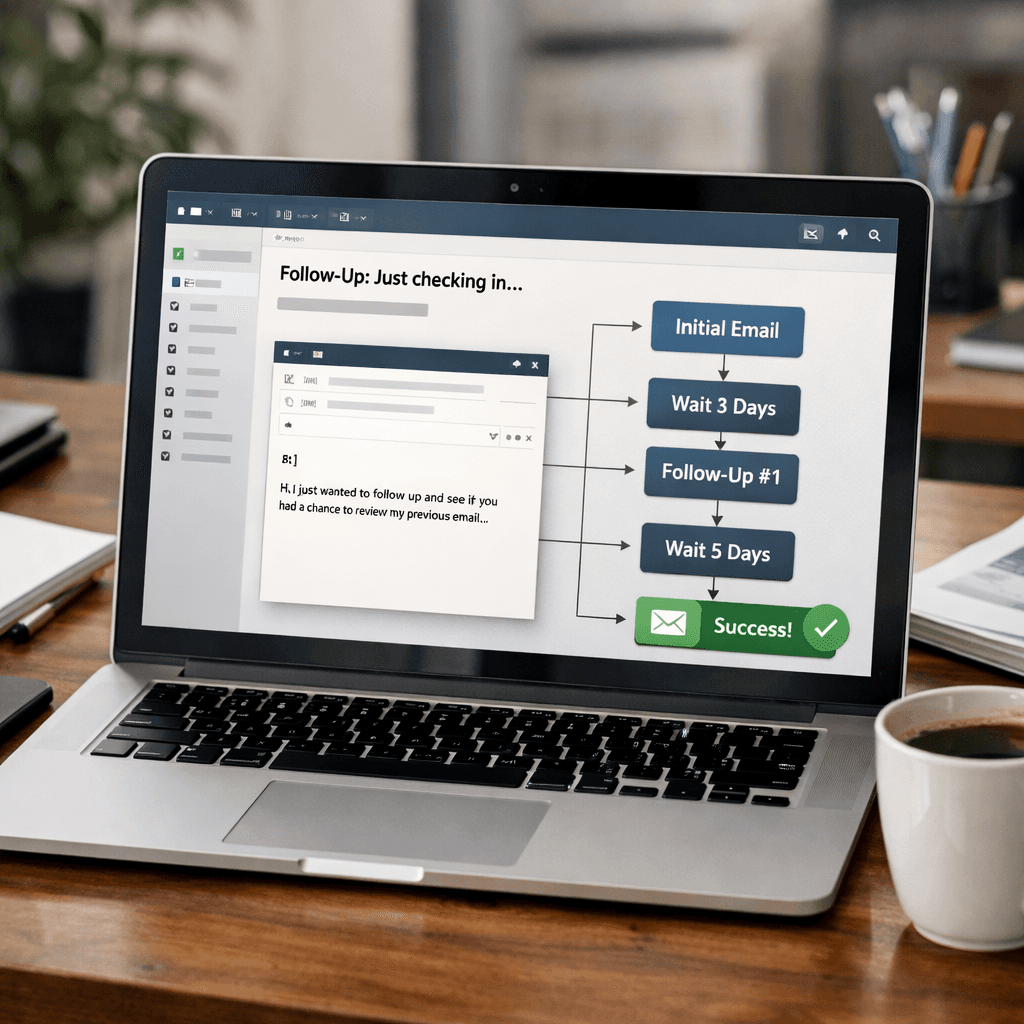
Most small businesses lose leads because they forget to follow up. That hurts revenue and wastes time.
In this guide we’ll walk you through every step to build anautomated email follow upsystem that works for restaurants, contractors, agencies, and more.
We’ll show you how to set goals, pick a platform, map sequences, set triggers, test, and optimize , all with real examples and actionable tips.
Here’s the research hook that drives our advice:
An analysis of 19 automated email follow‑up tools across 6 sources reveals that only a quarter offer any AI personalization, and the platform touting the most integrations , Insider One with “100+ smooth integrations” , provides only a vague AI label, while BCJ Managed AI Workflow Automation delivers true custom AI agents for local businesses.
Comparison of 19 Automated Email Follow‑Up Tools, April 2026 | Data from 6 sources | |||||
Name | Automation Features | AI Personalization | Target | Best For | Source |
|---|---|---|---|---|---|
BCJ Managed AI Workflow Automation (Our Pick) | lead capture, payment reminders, employee tracking, social media posting, custom AI agents | custom AI agents for personalized workflow automation | local restaurants, contractors, and agencies | Best overall for AI‑driven local businesses | |
Gmelius (Meli AI) | Drafts emails: without waiting to be prompted, based on thread context and your writing history; Tracks follow-ups: monitoring open threads and surfacing timely reminders so nothing slips through; Dispatches emails to teammates automatically based on content and team structure; Schedules meetings directly from Gmail without leaving the inbox | Context‑aware drafting and follow‑up reminders that learn from your writing history and team interactions | Sales teams, account managers, executives handling high‑volume inboxes and follow‑ups | Best for AI‑assisted drafting | |
Constant Contact | automated welcome messages and pre-built templates | Yes | small businesses | Best for small‑business starters | |
MailerLite | dynamic emails and auto-resend campaigns, multiple automation triggers | Yes | — | Best for dynamic resend | |
Gmelius | AI and rules-based automation, IFTTT rules, automatic follow up based on SLA, Slack message automation, automatic task assignment | Yes | teams that need to share an inbox, such as support@ or sales@ addresses | Best for collaborative inboxes | |
InboxPilot | automated gatekeeper and responder, AI‑drafted replies based on uploaded data, Confidence Score escalation | Yes | handling customer inquiries 24/7 by training on your specific company data | Best for 24/7 AI support | |
Insider One | Orchestrate customer journeys across every touchpoint and channel | Yes – unspecified | mid-sized businesses and enterprise brands | Best for enterprise integration | |
Mailchimp | list segmentation, email campaign automation | Yes – unspecified | individuals and small businesses | Best for small‑business email lists | |
Proactive Campaigns | automated campaign triggers and communicate with your customers based on how they are interacting with your business | No | — | Best for Zendesk Marketplace users | |
Drip | multichannel marketing campaigns and built-in analytics | No | growing e-commerce brands | Best for multichannel e‑commerce | |
Brevo | send welcome messages to new contacts, share targeted offers, and reengage with former customers | No | — | Best for re‑engagement campaigns | |
Omnisend | pre-built automations for a series of pipeline steps from cart abandonment to first purchase | No | e-commerce applications | Best for cart‑abandonment automation | |
EmailOctopus | Automated email sequences can act as drip campaigns, delivering new information at predetermined intervals | No | — | Best for simple drip sequences | |
EngageBay | email sequences, template builders, marketing automation, and simple customization | No | — | Best for all‑in‑one marketing | |
ConvertKit | automated email sequences, pre-built and custom email funnels | No | freelancers and smaller companies | Best for creators and freelancers | |
GetResponse | automated welcome and thank-you messages and limited autoresponders | No | — | Best for welcome series | |
ActiveCampaign | welcome messages and follow-ups, along with a few more advanced functions, such as geotracking, managed delivery | No | small businesses and individuals | Best for advanced tracking | |
GMass | recipient behavior trigger, scheduled day and time, up to eight stages of automated follow-ups, pause or cancel scheduled follow-ups, send follow-ups ahead of schedule | — | — | Best for high‑volume follow‑ups | |
HubSpot | automated email nurturing with personalized messages | No | — | Best for CRM‑linked nurturing |
The research team queried the web for "automated email follow up" tools, scraped 14 web pages, performed 4 direct‑crawl extractions, and captured a YouTube product review (total 19 unique tools). Data were collected on April 17, 2026 and aggregated across 6 distinct sources.
Sample size: 19 items analyzed.
Table of Contents
Step 1: Define Your Follow‑Up Goals
Step 2: Choose an Automation Platform
Step 3: Map Out the Follow‑Up Sequence
Step 4: Configure Triggers & Timing
Step 5: Test, Refine, and Add Personalization
Step 6: Monitor Performance & Optimize
Conclusion
Step 1: Define Your Follow‑Up Goals
Before you press any button, you need a clear goal. Do you want more booked appointments? Higher repeat orders? Faster invoice payment? Write the goal down in one sentence.
Why it matters: a vague goal leads to vague results. When you know the target, you can pick the right triggers and copy.
Here’s a quick way to set SMART goals for yourautomated email follow up:
Specific , name the exact action you want.
Measurable , set a number or %.
Achievable , be realistic.
Relevant , tie it to revenue or cost.
Time‑bound , give it a deadline.
Example: "Get 30% more dinner reservations from first‑time diners within 30 days by sending a welcome email + reminder."
Pro Tip: Align your goal with a payment reminder if you run a contractor business. A reminder email that says "Your invoice is due in 3 days" can cut late payments by up to 20%.
Pro Tip:Write your goal on a sticky note and put it on your monitor. You’ll see it every time you edit a flow.
When you map the goal, think about the buyer’s journey. Where does the prospect sit? Are they just aware, or ready to buy? Your follow‑up sequence should match that stage.
Key takeaway: Without a goal, your automation is just noise.
Key Takeaway:A clear goal guides every step of yourautomated email follow upsetup.
Bottom line:Define a concrete, measurable goal before you build anything.
Step 2: Choose an Automation Platform
Now you need a tool that can actually send the emails, track opens, and fire triggers. There are dozens, but only a few fit local businesses.
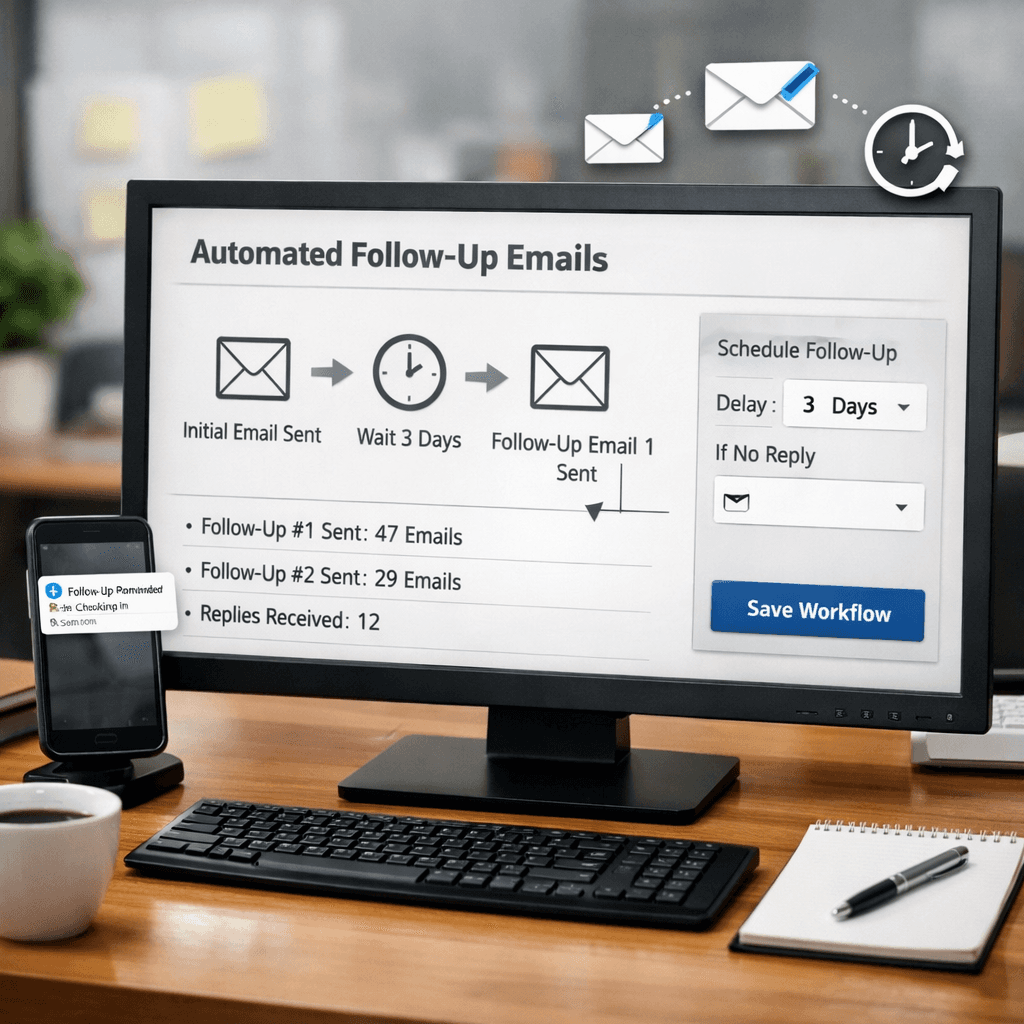
Our research shows that only 5 of 19 tools (26%) offer true AI personalization. Insider One claims many integrations but only a vague AI tag. BCJ Managed AI Workflow Automation, our top pick, gives custom AI agents that can read a reservation note and send a personalized reminder.
Here are three platforms to compare:
BCJ Managed AI Workflow Automation (Our Pick), custom AI agents, lead capture, payment reminders, social posting.
Gmelius , Gmail‑centric, good for shared inboxes, AI drafting.
MailerLite , simple drag‑and‑drop, good for small‑business starters.
When you evaluate, ask these questions:
Does it integrate with your POS or booking system?
Can it run custom AI scripts?
What’s the cost per user?
We often see agencies use Gmelius for shared inboxes, but for a restaurant that needs payment reminders, BCJ’s custom AI wins.
Pro Tip: Look for a platform that lets you add a webhook to your reservation system. That way a new booking can instantly trigger a welcome email.
Pro Tip:Test the free trial of two platforms side‑by‑side for a week.
Stat Highlight:
26%of tools include AI personalization
Bottom line: Pick a platform that matches your goal, supports AI, and talks to your existing software.
Step 3: Map Out the Follow‑Up Sequence
With the tool chosen, sketch the email chain. A good sequence has three to five touches, each adding value.
Based on the research from NetHunt and Salesforce, most successful sequences follow a "send value" pattern: first email offers a tip, second shares a case study, third presents an offer.
Example for a contractor:
Day 0 , Thank you for the quote request.
Day 2 , Share a guide on choosing the right material.
Day 5 , Offer a 10% discount if they book this week.
Make sure each email has a clear CTA , schedule a call, view a demo, or reply with a question.
Pro Tip: Use merge tags to insert the prospect’s first name and the project name. Personal touches boost open rates by 29% (Insider One data).
Pro Tip:Keep your copy under 150 words per email. Brevity wins.
When mapping, also note the timing. Too fast feels spammy; too slow loses momentum.
Key takeaway: A well‑planned sequence moves the lead forward without overwhelming them.
Key Takeaway:Structure yourautomated email follow upwith a clear, value‑first cadence.
Bottom line:Sketch a concise, value‑driven email flow before you build it in the platform.
Step 4: Configure Triggers & Timing
Triggers tell your system when to send each email. Power Automate, Outlook, or any native trigger can do the job.
From Microsoft’s guide, you can set a "When a new email arrives (V3)" trigger to watch for a specific subject line or sender. Then add a condition that checks if the email is from a new lead.
Here’s a simple flow you can copy‑paste:
Create a new automated cloud flow called "Lead Welcome".
Select the "When a new email arrives (V3)" trigger.
Filter by subject line containing "New Quote".
Add an action to send a templated welcome email.
But timing matters too. LinkedIn research says the first follow‑up should go out 2‑3 days after the initial contact, then 5‑7 days later, and finally after 1‑2 weeks if needed.
Use the platform’s delay action to pause between steps. For example, set a 48‑hour delay after the welcome email before sending the next value email.
Pro Tip: If you see the first email opened (via tracking), you can shorten the next delay to 24 hours.
Pro Tip:Add a condition that checks the open‑rate flag and adjusts timing on the fly.
Blockquote:
"The best time to start building backlinks was yesterday."
Bottom line: Use smart triggers and timing rules that react to opens and actions.
Step 5: Test, Refine, and Add Personalization
Testing lets you see what works. A/B test subject lines, CTA text, and send times.
According to Klaviyo’s research, testing subject lines can lift open rates by up to 15%. Insider One shows that micro‑segments can raise click‑through rates by 41%.
Set up a simple A/B test:
Version A , Subject: "Your reservation is confirmed".
Version B , Subject: "Ready for your dinner on Friday?".
Run the test on 10% of your list, then automatically send the winning version to the rest.
Personalization goes beyond names. Pull in the last order, location, or even weather forecast.
Pro Tip: Use dynamic content blocks to show a different image for a restaurant versus a contractor.
Pro Tip:Keep only one variable per test. Changing subject and CTA together skews results.
Below is a quick checklist table you can copy into your platform:
Test Item | Metric | Goal |
|---|---|---|
Subject line | Open rate | +10% |
CTA wording | Click‑through | +12% |
Send time | Response time | Reduce by 1 day |
Key takeaway: Continuous testing drives higher engagement over time.
Key Takeaway:Test one element at a time and let data decide.
Bottom line:Use A/B testing and dynamic personalization to fine‑tune every email.
Step 6: Monitor Performance & Optimize
Now that yourautomated email follow upis live, you need a dashboard to watch key metrics.
ThoughtSpot’s email marketing dashboard lets you see open rates, click‑through, conversion, and revenue per email in real time. Bloomreach notes that a well‑built dashboard can surface drop‑off points instantly.
Important metrics to track:
Open rate , are subjects working?
Click‑through , are CTAs compelling?
Conversion , does the email lead to a booking or payment?
Unsubscribe , are you sending too much?
Set alerts for any metric that dips more than 5% week over week. That way you can pause the flow and investigate.
Pro Tip: Export the data monthly and run a “what‑if” scenario to forecast revenue impact of a 1% lift in click‑through.
Pro Tip:Combine email data with POS data to see real revenue lift.
Stat Highlight:
80%of consumers say personalized emails influence purchases
Bottom line: Keep an eye on the numbers, tweak the flow, and let data drive growth.
Conclusion
Setting up anautomated email follow upsystem may seem tough, but with clear goals, the right platform, a solid sequence, smart triggers, testing, and data‑driven monitoring, you can turn missed leads into repeat customers.
We’ve walked through each step, highlighted tools, and gave you templates you can copy today. Ready to get started? Check out our Marketing Agency Automation: The Complete 2026 Guide for deeper workflow ideas, or explore Automated Social Media Posting to sync your email and social outreach.
Remember: fewer missed opportunities, more repeat customers, and your business runs in the background while you focus on growth.
FAQ
What is the ideal number of emails in an automated follow‑up sequence?
A good rule is three to five emails. The first welcomes the lead, the next two deliver value, and the final one makes an offer. Space them 2‑3 days apart at first, then lengthen to a week for later touches. This cadence balances persistence with respect for the recipient’s inbox.
How can I personalize emails without writing each one by hand?
Use merge tags for names, company, or recent activity. Pull data from your CRM or booking system to insert order details, appointment dates, or custom AI‑generated snippets. Platforms like BCJ Managed AI Workflow Automation let you build custom AI agents that auto‑fill these fields based on the lead’s record.
Do I need a separate tool for tracking email opens?
Most automation platforms include built‑in tracking pixels that record opens and clicks. If you use a CRM like HubSpot or a dedicated analytics suite, you can sync those metrics for a full view. Just make sure tracking complies with privacy laws.
What’s the best time of day to send a follow‑up email?
LinkedIn research shows 2‑3 days after the original email is optimal, and sending between 9 am‑11 am in the recipient’s time zone tends to get higher opens. Test your own audience, but start with mid‑morning on a weekday.
How often should I review my email performance?
Check core metrics weekly for the first month, then move to a monthly cadence. If you spot a sudden drop in open rates, investigate immediately , it could be a subject line issue or a deliverability problem.
Can I integrate my reservation system with the email automation?
Yes. Look for platforms that offer webhooks or native integrations. BCJ’s custom AI agents can read a new reservation event and fire a welcome email instantly, eliminating manual data entry.