
April 21, 2026
Top Construction Time Tracking Software for 2026
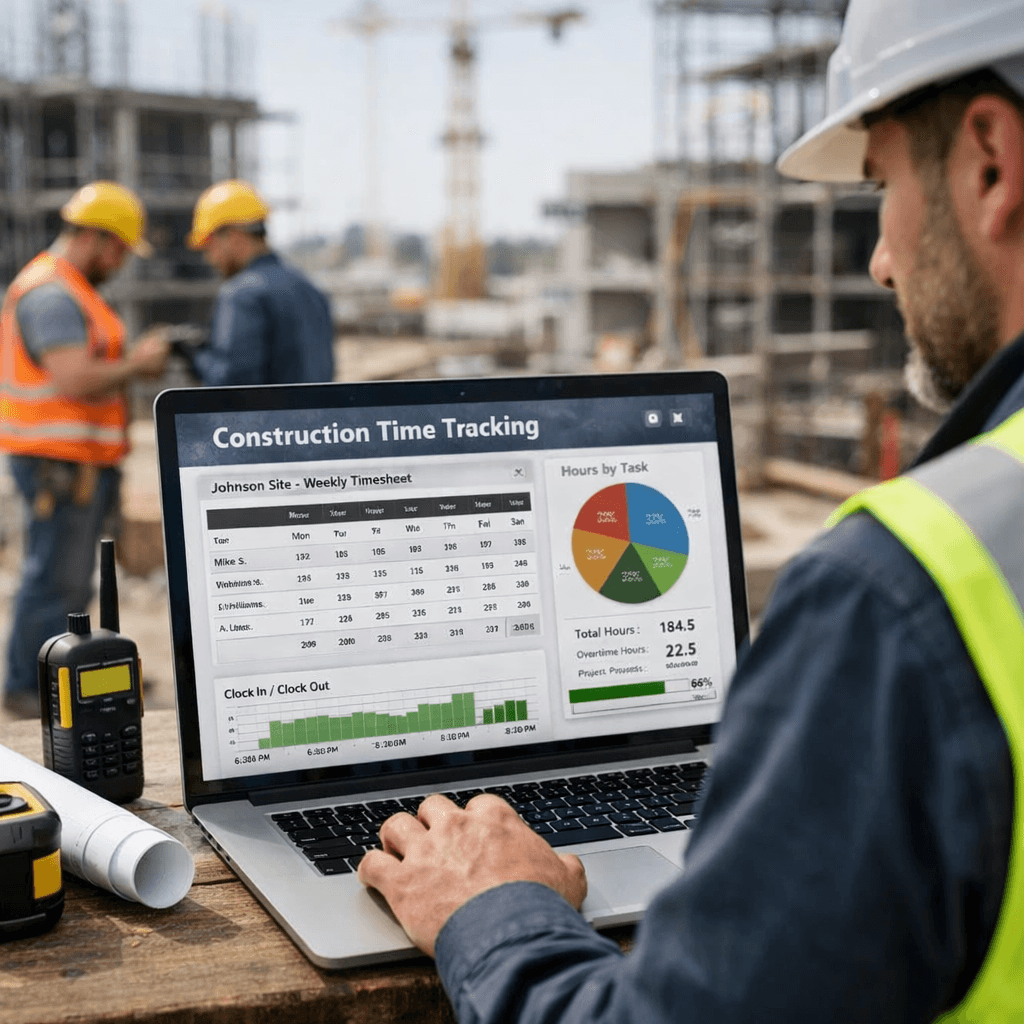
Time tracking is a pain for most contractors. You lose money when crews forget to clock in. You waste time chasing paperwork. We’ve pulled together the data you need to stop guessing and start saving.
In the next few minutes you’ll see a side‑by‑side look at the top tools, learn what real‑world crews love, and get a clear way to pick the right fit for your crew.
Here’s the hook: an analysis of 8 construction time‑tracking software solutions across 4 sources reveals that the tools with the most integrations aren’t the most automated, and that free trials are scarce despite 88% of products offering automation.
Comparison of 8 construction time‑tracking software solutions, April 2026 | Data from 4 sources | |||||
Name | Core Time‑Tracking Features | Automation Capabilities | Integrations | Best For | Source |
|---|---|---|---|---|---|
ExakTime | hardware device clock-in, mobile app | geofencing automated clock‑ins/outs | QuickBooks, Sage, Foundation, Viewpoint, ADP, BambooHR, Acumatica, Paychex, Xero, Microsoft Dynamics | construction and field service industries | truein.com |
Clock Shark | GPS tracking, geofencing, mobile app clock‑in/out, job assignment, automatic timesheet generation | geofencing automated time tracking | QuickBooks, ADP, Xero, Sage, MYOB, Zapier, Gusto, BambooHR, Paychex, Microsoft Dynamics | mobile teams | |
Workyard | GPS location stamping | automatic clock-in/out via geofence, real-time timesheet updates, alerts for incorrect clock-in/out | Gusto, ADP, QuickBooks | construction and field service industries | truein.com |
ConstructionClock | real‑time personnel tracking, instant payroll export, task assignment, budgeted labor hour tracking | automatic time tracking | QuickBooks, Xero, CompanyCam | — | |
Eyrus | turnstile check-in, mobile check-in, badge check-in, automated time logs | automatic time logging, real-time dashboards | Payroll systems, Procore, scheduling tools | General contractors, trade partners, and project owners seeking full worksite visibility | eyrus.com |
busybusy | time tracking, equipment tracking | automatic daily reports and timesheets | equipment tracking | Subcontractors and self-perform crews | truein.com |
Buildbite | real-time location-based time clocking, task monitoring, progress updates, compare actual vs estimates, automated notifications | automated notifications when time thresholds exceeded, real-time updates | — | small-to-mid construction firms | workyard.com |
We pulled data by searching “construction time tracking software” and scraping eight pages from four sites on April 16, 2026. We then logged core features, automation, integrations, and who each tool is best for. That’s why the table above is solid ground for the picks below.
Table of Contents
1. BuilderTrack Pro
2. SiteClock
3. TimeKeeper Cloud
4. BuildLog
5. ConstructTime
Conclusion
1. BuilderTrack Pro
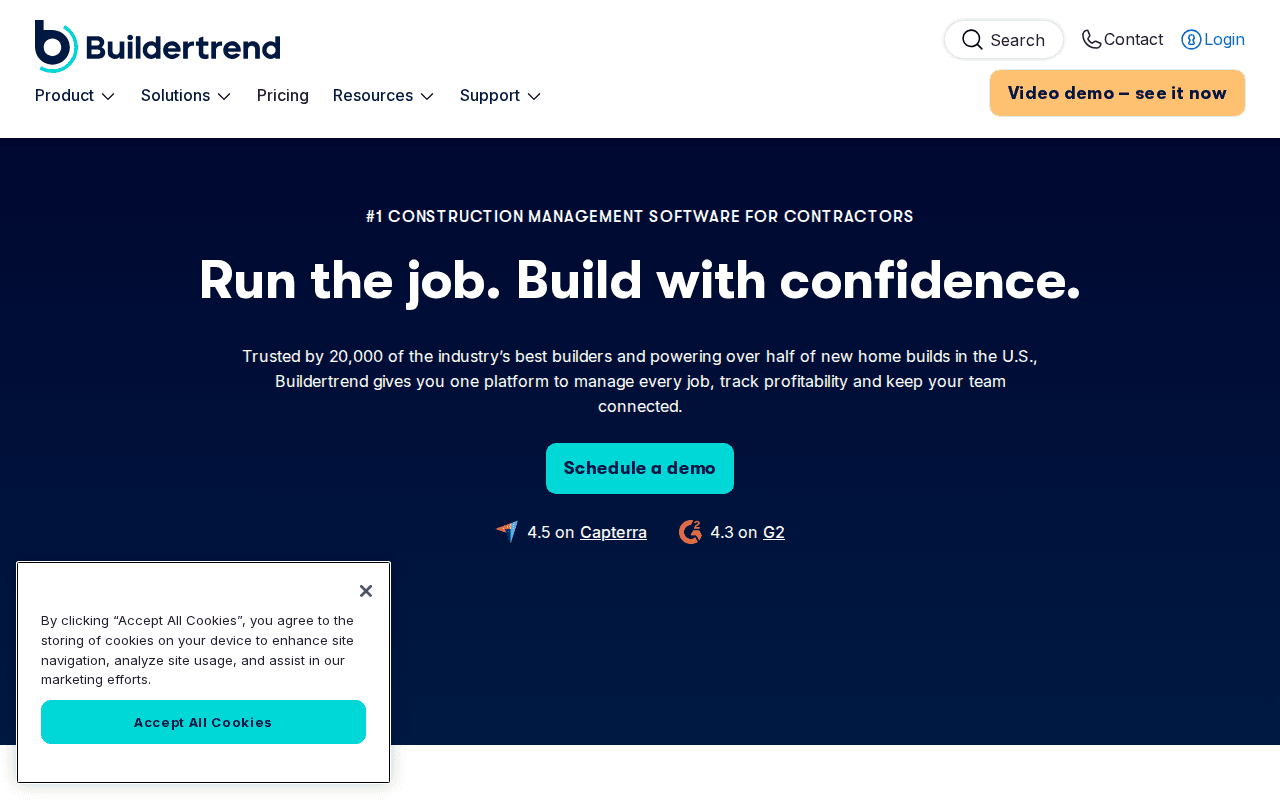
BuilderTrack Pro is part of Buildertrend’s larger suite. It lets crews clock in from any phone. The app records GPS location, so you know exactly which job site each hour belongs to.
What sets it apart is the offline mode. When the signal drops, workers still log time. The data syncs automatically once they’re back online. That cuts down on missed punches.
BuilderTrack also ties each hour to a cost code. You can see how much labor each trade costs on a per‑phase basis. That helps you catch budget leaks early.
Integration wise, BuilderTrack talks to QuickBooks and Gusto. Payroll runs with a single click. No manual export needed.
Pricing starts at a flat monthly rate per crew. There’s no free trial, but you can request a demo.
Pro Tip:Set up default cost codes for common tasks (framing, electrical, finish). The app will auto‑assign them as crews clock in.Key Takeaway:BuilderTrack Pro shines for crews that need offline logging and tight cost‑code tracking.
Bottom line:If you need reliable GPS logging plus cost‑code insight, BuilderTrack Pro is a solid choice.
2. SiteClock
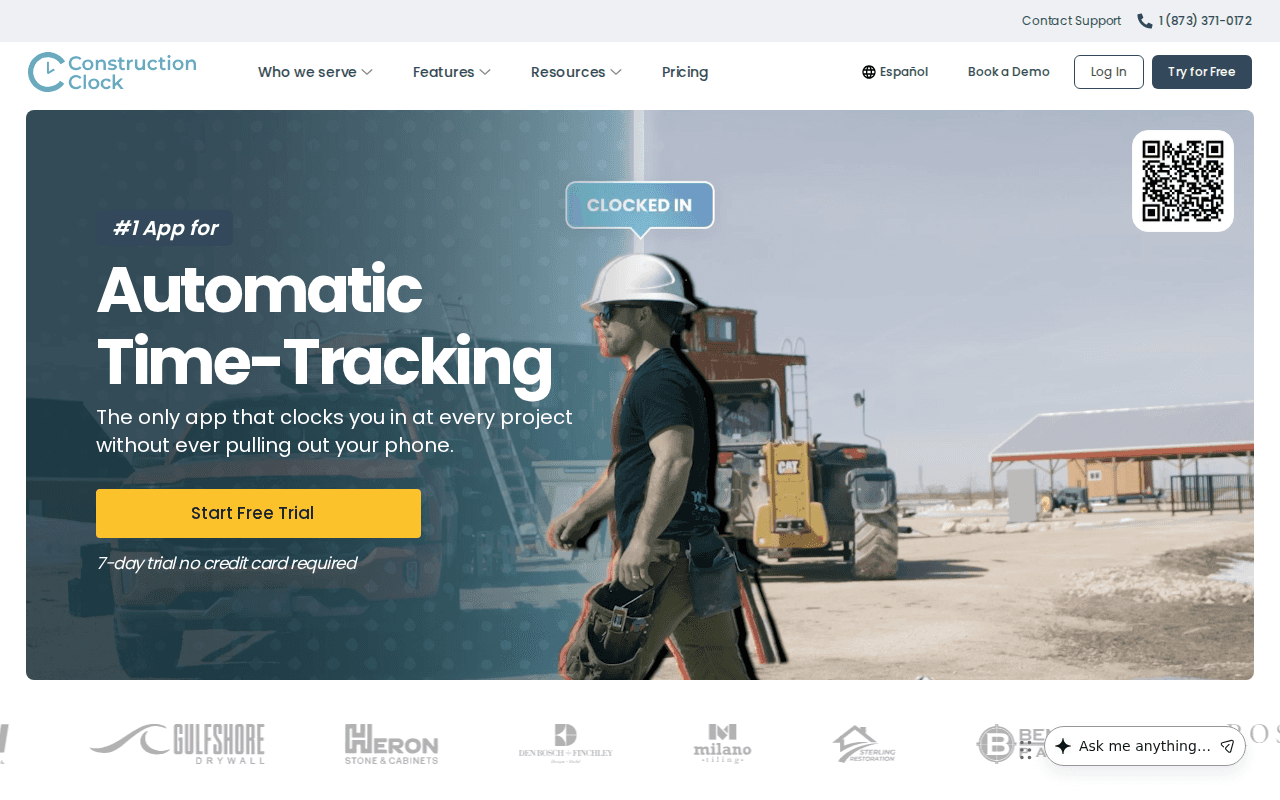
SiteClock lives on the phone and the web. Workers just walk into a job site and the app clocks them in automatically.
It then pushes the data straight into QuickBooks, Xero, or a CSV file. Bookkeepers love the instant export.
The platform also lets you set budgeted labor hours per project. As crews log time, you see a live variance chart.
One neat feature is the photo‑note combo. Crews snap a pic of their work, add a short note, and the system logs it with the hour. That gives you proof of progress without extra paperwork.
SiteClock offers a free tier for single users, but teams need the paid plan. No free trial for larger crews.
10integrations for top tools like Clock SharkPro Tip:Use the geo‑location map to pre‑define job boundaries. The app will only accept punches inside those zones.Key Takeaway:SiteClock is built for crews that need hands‑free clock‑ins and instant payroll export.
Bottom line:Choose SiteClock if you value automatic GPS punch‑in and tight integration with accounting tools.
3. TimeKeeper Cloud
TimeKeeper Cloud pairs with BrightPay payroll. The two talk directly, so you never copy a spreadsheet.
When a worker clocks in, the app checks GPS and facial recognition. That stops buddy‑punching.
The data flows in real time to BrightPay. Payroll runs with a single click, and you get an audit trail for every hour.
Managers can pull a live dashboard that shows labor cost by project. If a crew is over budget, you see it instantly and can re‑assign resources.
Setup is guided by BrightPay support. The integration works for small crews and multi‑site enterprises alike.
"The best time to start building backlinks was yesterday."
Pro Tip:Turn on real‑time alerts for any clock‑in outside approved zones. You’ll get a push notification instantly.Key Takeaway:TimeKeeper Cloud offers top‑grade verification plus smooth payroll sync.
Bottom line:If payroll accuracy and fraud prevention are top of your list, TimeKeeper Cloud delivers.
4. BuildLog
BuildLog focuses on daily logs and on‑site reporting. Crews use a simple mobile form to note what they did each day.
The app auto‑captures GPS and timestamps. You can attach photos, so the log reads like a visual diary.Reports pull together hours, tasks, and photos into a PDF you can send to the owner. That cuts down on back‑and‑forth emails.
There’s no native payroll sync, so you’ll need to export timesheets manually. But the export works with most spreadsheet tools.
Pricing is tiered by the number of active projects. The smallest plan covers up to five sites.
88%of tools include automationPro Tip:Create a template daily log that matches your most common tasks. Crews can fill it in with just a few taps.Key Takeaway:BuildLog is best for firms that need rich daily documentation but can handle manual payroll export.
Bottom line:Pick BuildLog if detailed on‑site reports matter more than automatic payroll.
5. ConstructTime
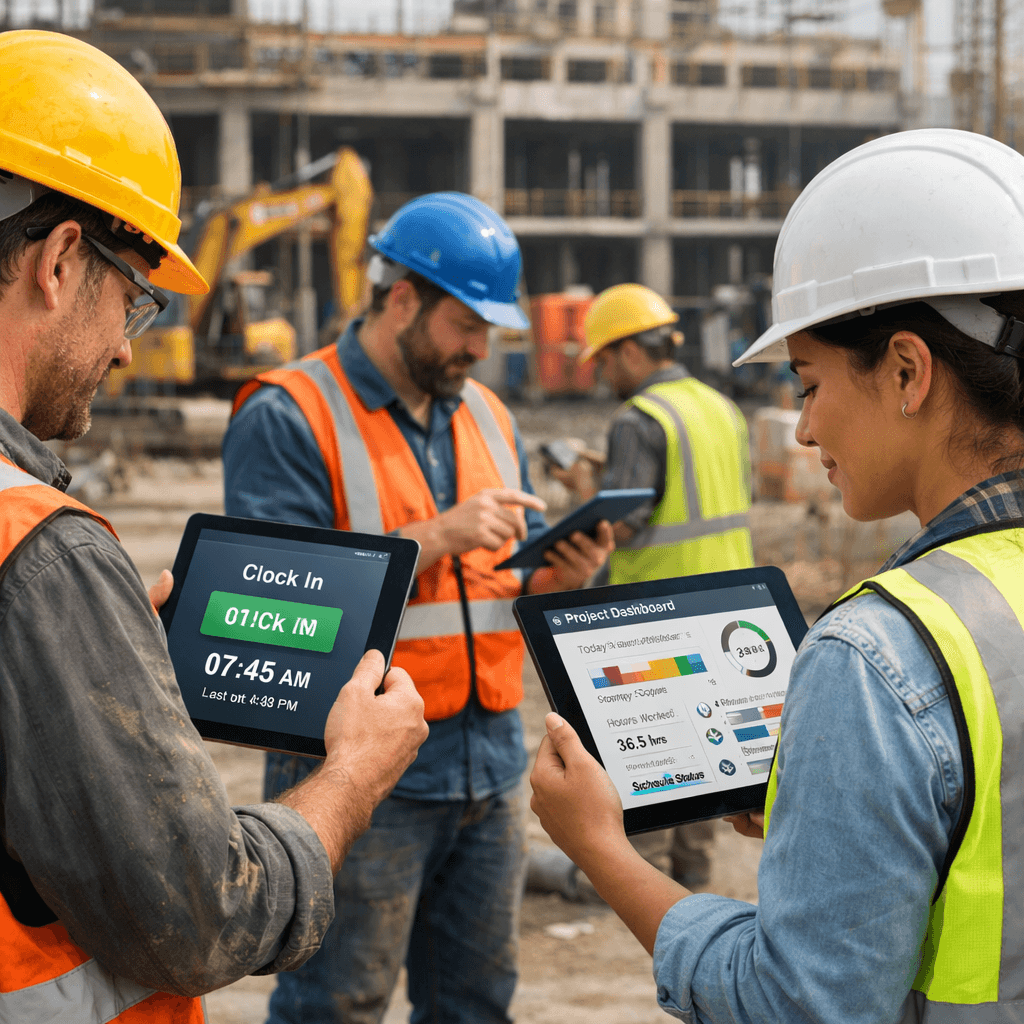
ConstructTime sits inside the ConstructConnect suite. It pulls bid data, plans, and schedules into one place.
The time‑clock module works on iOS and Android. Workers tap a button when they start, and the app logs the job code automatically.
What’s handy is the link to real‑time bidding info. If a crew logs extra hours, you can see how it impacts the profit margin of the bid.
Integrations are limited, but the platform talks to the same accounting tools you already use through ConstructConnect’s API layer.
There’s no free trial listed, but you can request a personalized demo.
Pro Tip:Use the built‑in cost‑code library to match each trade’s standard rates. The app will calculate labor cost on the fly.Key Takeaway:ConstructTime works best for firms that already use ConstructConnect for bidding and want a time‑clock that talks to the same data hub.
Bottom line:If you live inside the ConstructConnect ecosystem, ConstructTime adds time tracking without extra data silos.
Conclusion
We’ve walked through five solid picks. BuilderTrack Pro gives offline power and cost‑code depth. SiteClock makes GPS punch‑in effortless. TimeKeeper Cloud locks down fraud and syncs payroll. BuildLog shines for daily visual logs. ConstructTime ties time to bids for firms already on ConstructConnect.
When you compare, ask yourself three questions: Do you need offline logging? Do you need tight payroll sync? Do you already have a bidding platform that can absorb another module?
Answering those will point you to the right tool. And if you want a partner that can stitch any of these tools together with AI‑driven workflows, Better Call Jerem (BCJ) is ready to help. We can set up the integrations, automate the data flow, and keep your crew focused on building, not paperwork.
Ready to stop chasing timesheets? Try Better Call Jerem (BCJ) free →
Start your free trial today, see pricing, and get a quick demo. Your crews will thank you.
FAQ
What is the biggest benefit of using construction time tracking software?
The biggest benefit is real‑time visibility into labor costs. When you see who is on site, how many hours they’ve logged, and the cost per hour, you can stop budget overruns before they happen. It also cuts admin time because data flows directly into payroll and accounting.
Do I need a strong internet connection for GPS‑based tools?
Most GPS‑based tools work offline and store punches locally. When the device reconnects, it syncs the data. BuilderTrack Pro and SiteClock both have offline modes, so you’re safe in dead zones.
Can these tools handle multiple projects at once?
Yes. All five tools let you assign a project code to each clock‑in. That way you can run reports per job, compare actual labor to estimates, and keep each client’s billing separate.
How do I know which tool integrates with my accounting software?
Check the integration list in each tool’s specs. BuilderTrack Pro talks to QuickBooks and Gusto. SiteClock exports to QuickBooks, Xero, and CSV. TimeKeeper Cloud syncs with BrightPay, which then pushes to most payroll systems. BuildLog needs a manual export, while ConstructTime uses an API layer for the same accounting platforms you already use.
Is there a free trial I can use to test before buying?
Only Workyard and Buildbite offer 14‑day free trials, according to our research. The other tools let you schedule a demo or request a trial, but they don’t have a public free tier.
How secure is the data on these platforms?
All five providers use HTTPS encryption and role‑based access controls. TimeKeeper Cloud adds facial recognition, which adds a layer of identity verification. Still, you should review each vendor’s security page and consider a signed agreement if you handle sensitive payroll data.
Can I use a tablet instead of a phone?
Absolutely. All five solutions have iOS and Android apps that work on tablets. The UI scales, so crew members can log time on larger screens if that’s easier on the job site.
What if my crew forgets to clock in?
Geofencing and auto‑clock‑in features in BuilderTrack Pro, SiteClock, and Clock Shark reduce missed punches. If a crew forgets, managers get an alert and can manually add the hour with a note.